
The first week with any new purchase tells you a lot, and with hosted Bitcoin mining it’s the stretch where most of the nerves live. You’ve spent real money on a machine you’ll never touch, in a facility you’ll never visit. What actually happens, and what should you watch for?
This guide shows what the first stages of using OneMiners may look like, based on OneMiners’ own Crypto Mining for Beginners (2026 Edition), a company-linked field guide to U.S. ASIC hosting on Medium, the company’s July 2026 app update, and public customer reviews. The sources describe the steps and tools involved, but they do not establish a guaranteed day-by-day deployment schedule. The “days” below are therefore an illustrative way to organize the process, not a promise that every order will move at the same speed.
Before Day One: Do the Math First

The beginners’ guide is clear about the order of operations: calculate profit first. It suggests entering a hashrate, an electricity rate and the Bitcoin price into OneMiners’ calculator to see daily output, power cost, net profit and ROI.
The guide’s own example uses an Antminer S21 XP at 270 TH/s, an electricity rate of $0.04 per kWh and a Bitcoin price of $90,000. That works out to about $14 in daily revenue, $3.50 in power and $0.50 in hosting and fees, leaving roughly $10 a day.
Treat that as an illustration, not a forecast. It depends on assumed prices, and the guide’s claim that the miner “pays for itself in just 6–8 months” can’t be checked because the article doesn’t state the purchase price. Electricity is also the biggest cost lever: the guide puts it at 70–80% of mining expenses, and the US field guide shows how much the rate matters. A 3,000 W miner running around the clock costs about $130 a month at 6 cents per kWh and about $260 at 12 cents.
Step 1: Choosing a Machine and a Location
OneMiners’ beginner guide gives Norway, Ethiopia and the United States as example hosting locations. The company-linked Medium field guide provides additional U.S. context, but some of its figures are now better checked against OneMiners’ current hosting-centers page. As of October 2026, the company lists approximate premium rates such as $0.074/kWh for its USA No-Fee network and about $0.060/kWh for Georgia, South Carolina, Houston, Texas and Kansas. Rates for miners ordered online or brought in from outside are higher.
The Medium guide is still useful for explaining the pricing structure and the difference between premium, online-ordered and external miners, but treat its exact prices as a dated snapshot rather than a current quotation. Always get the facility, rate, service fees and commitment length for your own miner in writing.
Houston and Kansas are listed without a clear figure. The field guide also describes three pricing tiers, a premium rate for machines bought from OneMiners, a slightly higher one for ordered units and the highest for external miners you already own, with the external rate roughly 15 to 17% above premium.
Two things beginners tend to skip, and shouldn’t:
- Ask for the all-in rate, not only the advertised one.
- Ask whether the rate is fixed or follows the grid. The field guide notes Texas summer spikes as an example.
The app’s marketplace (covered in the July update) sorts miners by estimated daily profit by default and explains that the dollar figure is an estimate. That’s handy for comparing, but remember the estimate moves with Bitcoin’s price and network difficulty.
Step 2: Paying — Including the Pay Later Option
OneMiners offers Buy Now, Pay Later. The July app update describes a plan that starts with 25% upfront, and the app FAQ says the rest is paid in three monthly installments. The US field guide describes the same structure as four payments. That’s consistent: one deposit plus three installments.
Two practical reminders. First, a plan that spreads payments doesn’t change the payback math. You still owe the full price. Second, the July update says checkout now reads “Complete Order” and no longer sends you to the web to finish, so a mobile purchase should be a single flow.
The field guide also mentions discount codes. It makes the sensible point that they shouldn’t drive your choice of provider; rate, uptime and contract terms matter more over a two-to-three-year term.
Step 3: Waiting for Shipping, Deployment and Activation
OneMiners’ beginner guide says its technicians handle the power connection, network setup, mining-pool configuration, firmware and performance tuning. The same article says a customer can be mining “in 24 hours,” but it does not clearly explain whether that timing begins after payment, after the miner arrives at the facility, or after a unit is ready for deployment.
For that reason, do not treat 24 hours as a universal activation promise. G2 reviews show generally positive setup experiences, but some users specifically ask for better progress updates during the period after ordering and before activation. The safest approach is to ask for an estimated deployment window for your exact machine, batch and hosting site rather than assuming it will be online on a particular day.
What to do while you wait:
- Turn on push notifications. The July update says you can opt in to alerts about miner restarts, payouts and order progress, and that declining still leaves in-app notifications working.
- Ask support, in writing, for an estimated activation window for your specific order.
- Save your order confirmation and the written rate and contract terms.
Step 4: Once the Miner Is Online — Check the Dashboard
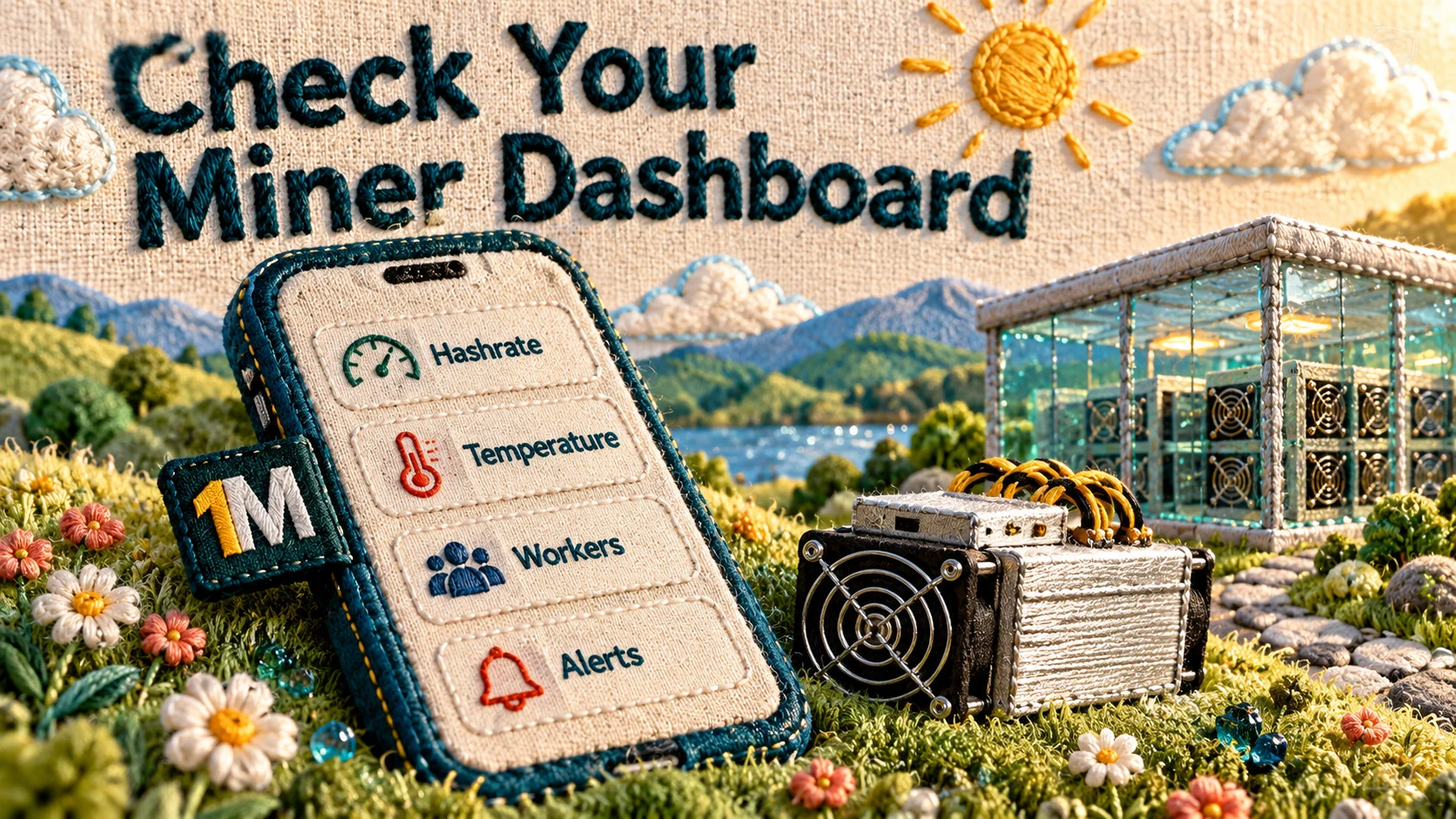
Once the machine is online, the dashboard is where you’ll spend most of your time. The beginners’ guide describes it as showing hashrate, temperature, energy use, uptime, BTC mined and AI optimization. The July update added several things that matter to a new user:
- Workers screen: tapping the active-miner count in the sidebar opens it.
- Repairs screen: lists each repair with its status, reason, timeline and miner.
- Notifications bell: account, miner, wallet and system alerts in one place with unread badges.
- News & Updates: announcements and the monthly network update, readable in the app.
- A more accurate sidebar balance, with miner and fund information separated.
For a first week, the most useful habit is simple: check that the worker is online, glance at hashrate against what the listing promised, and note anything odd. Small deviations in the first days are worth a polite question to support, not a panic.
OneMiners’ current hosting information describes 98%+ as average uptime, while company-linked hosting commentary also uses figures around 98%. Mathematically, 98% annual availability would correspond to roughly 175 hours of downtime in a year. That does not mean every miner will experience exactly that amount, and an average or target is not the same as a contractual SLA. For break-even calculations, include a realistic downtime allowance and use the uptime commitment stated in your own hosting agreement.
Step 5: Fund Energy & Fees and Watch Your First Transactions

The July update added an Energy & Fees top-up. Account holders can fund the wallet from an existing crypto balance, swap supported coins through Changelly Pay, send BTC or LTC through BTCPay, or request a Xero invoice. It also reorganized the Transactions screen into tabs for payouts, order payments, exchanges, miner rewards and deposits, with status badges.
For a beginner, this is one of the most important things to verify after activation. Confirm that your Energy & Fees balance is funded, your order payments appear correctly, and your miner is recording rewards. OneMiners’ beginner guide refers to daily Bitcoin payouts, but it does not establish how soon after activation a new customer should expect the first payout. Pool thresholds, payout schedules and location-specific setup can affect timing, so ask support what applies to your miner rather than assuming the first reward must appear within the first week.
Your first reward will probably be small. That’s normal for a single machine. What matters is whether it’s in the range your calculator predicted.
What Other Customers Report
One week is not enough to judge a mining service, and OneMiners’ own guides are marketing material, so outside customer reviews provide useful additional context.
When checked in October 2026, G2’s OneMiners page showed 4.8/5 from 38 reviews. Common positive themes included straightforward setup, easy remote monitoring and helpful support. Some reviewers asked for clearer or more frequent updates during deployment and better documentation.
The OneMiners Product Hunt review page also contained hundreds of customer reviews when checked, with recurring positive themes around beginner friendliness, support, setup and dashboard usability. Common improvement requests included deeper analytics, faster dashboard updates, better alerts and clearer deployment or payment-status tracking.
A ResellerRatings user review provides one individual example rather than a representative sample: the reviewer said deployment took about a week, after which daily payouts appeared in the dashboard and a withdrawal was completed successfully. Treat that as one reported customer experience, not as a guaranteed timeline.
Across these sources, the general pattern is positive, but the recurring friction is also relevant to a new buyer: the period between payment and deployment can involve waiting, and customers often want clearer status updates.
A First-Week Checklist
- Run the numbers with live Bitcoin price and network data, not just the example.
- Get the all-in rate, location and contract length in writing.
- Pick one machine to start.
- Turn on push notifications and bookmark the Workers and Transactions screens.
- Ask for an activation estimate and a first-payout estimate.
- Fund the Energy & Fees balance early.
- Record day-by-day notes: when the order shipped, went online, and paid out.
- Compare actual hashrate and rewards to the calculator after a week.
- Ask for the warranty and repair terms, including turnaround, in writing.
Frequently Asked Questions
How long until my miner starts mining? OneMiners’ beginner guide says a miner can be running “in 24 hours,” but it does not clearly define when that clock starts or account for every shipping, batch and deployment scenario. Public reviews show that some deployments take longer. Ask support for a written activation estimate tied to your exact machine and hosting site.
Do I need technical skills? According to OneMiners’ guide, no. Technicians handle installation, firmware and pool setup. You mainly monitor from the dashboard or app.
Can I pay in installments? Yes. The app update describes 25% upfront, with the remainder in three monthly installments.
What does hosting cost? OneMiners’ current U.S. hosting listings show premium rates around 6¢ per kWh at several individual U.S. locations and about 7.4¢ per kWh for its USA No-Fee network, with higher rates for some online-ordered or externally supplied miners. The older beginner guide advertises electricity starting from $0.04/kWh globally, but that should not be treated as the standard U.S. rate. Always get the exact facility and all-in electricity rate for your order in writing.
Is it profitable? It depends on your power rate, machine efficiency, Bitcoin’s price and network difficulty. One week of results can’t tell you.
The Bottom Line
Based on OneMiners’ published material and current customer-review sources, the early experience should involve five broad stages: run the economics, choose the machine and hosting site, complete payment, wait for deployment, and then verify performance and transactions through the dashboard or app. What the available evidence does not support is a guaranteed seven-day schedule. Activation can depend on inventory, batch timing, shipping and the selected facility. The app provides useful monitoring, repair, notification and transaction tools, while public reviews suggest that communication during deployment is one of the areas customers most often want improved. Get your rate and estimated activation window in writing, keep your paperwork, and judge the service over a longer period than the first week.
Sources and Further Reading
- Crypto Mining for Beginners (2026 Edition) — OneMiners
- Where Smart Bitcoin Miners Host in America: A Field Guide to US ASIC Hosting — Medium
- OneMiners Reviews — Product Hunt
- User Profile — ResellerRatings
- What’s New in the OneMiners App: July 2026 Update — OneMiners
#OneMiners #BitcoinMining #HostedMining #CryptoMiningForBeginners #ASICMining #FirstWeek #MiningHosting #CryptoMining