Most hosting providers look alike from the outside: a rate, a dashboard, a promise. What makes a platform worth considering is how its features work in practice, from how you pay to how you prove ownership to what you see when you log in at 2 a.m. wondering if your machine is running.
This guide walks through the standout OneMiners features of 2026, based on the company’s own announcements and a handful of outside write-ups, and ends with an honest list of things to verify before you buy. It’s general information, not financial advice. Mining involves risk.
1. Low, Published Hosting Rates
Electricity is the biggest ongoing cost in mining, so the rate matters more than almost anything. OneMiners publishes its hosting rates and describes sub-5-cent fixed power rates and 0% management fees in its July 2026 platform update. Other write-ups cite figures from about 3.6 cents per kWh (its lowest site) to 4 cents and above, depending on location and term.
Be aware that “from” rates apply to specific sites and commitments, and US-based sites have been described at higher rates in company material (roughly 6 to 7.4 cents for premium US sites in one of its guides). Treat the headline as a starting point and ask for your all-in rate in writing.
2. Prepaid Energy: Lock In a Discount
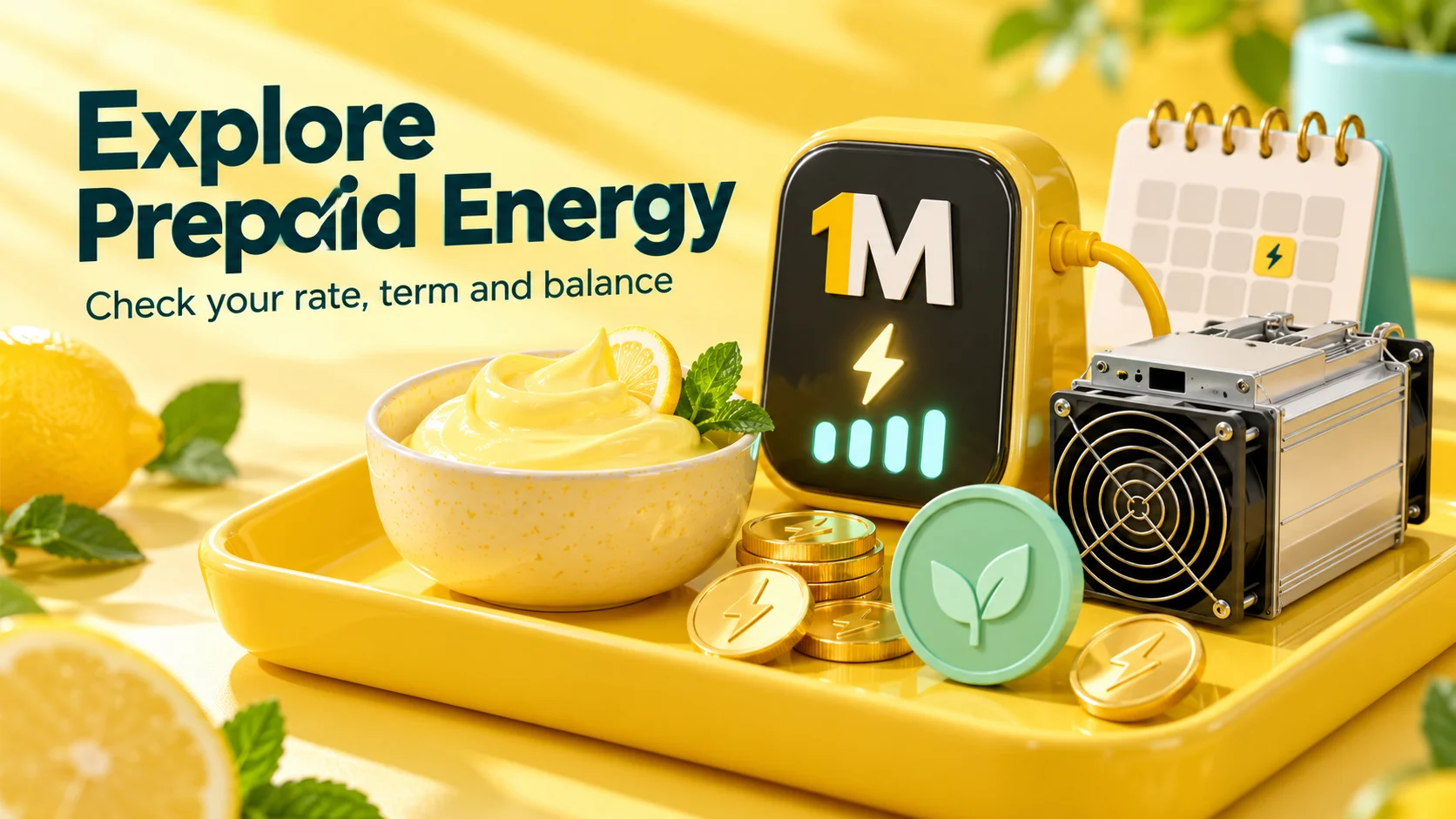
One of the headline features is Prepaid Energy. You pay in advance for electricity at a discounted per-kWh rate, locked for a set period. The Medium guide to Prepaid Energy (July 27, 2026) explains the three terms on offer: one, three and seven years, with longer terms earning bigger discounts.
Its worked example: a Z15 Pro drawing 2.72 kW at a Finland site with a standard rate of $0.0650 per kWh. A one-year lock brings $0.0624, a three-year lock $0.0572, and a seven-year lock $0.0455, about 30% off. Over seven years, the guide calculates the power bill would drop from about $10,825 to about $7,578, a saving of roughly $3,248.
The platform update adds that the dashboard shows remaining kWh and estimated days of coverage on each miner card, and the Wallet page gives a per-miner breakdown against standard pricing. That visibility is the real feature: you can see at a glance how long your prepaid energy will last.
The trade-off, which the guide states plainly: prepaying ties up a large sum of capital, and a long lock only makes sense if you will run that specific machine at that specific site for the full term. Newer miners who are still testing may prefer a shorter term or none.
3. Pay Later: Four Installments

Pay Later lets you split a machine purchase into four installments over four months. The July app update describes it as 25% upfront with the rest in three monthly installments. A Medium walkthrough of the plan (August 24, 2026) uses a real account: a $6,677.42 purchase split into installments of $1,669.36, $1,669.36, $1,669.36 and $1,669.34.
How it works, per that guide:
- The dashboard shows each installment’s amount, due date with a countdown and status (Paid, Pending or Scheduled). Only one is active at a time.
- There’s a 5-day grace period after a due date. The machine keeps running and earning, with no fine.
- From day 6, a fine accrues at 0.2% per day on the outstanding installment. On a $1,669.36 installment, that’s about $3.34 a day, or roughly $100 after 30 days.
The author is upfront about a gap: it’s unclear whether the fine compounds or stays flat, so confirm that with OneMiners. And remember that spreading payments doesn’t change what you owe. Treat the due date, not the end of the grace period, as your real deadline.
4. Certificate of Authenticity
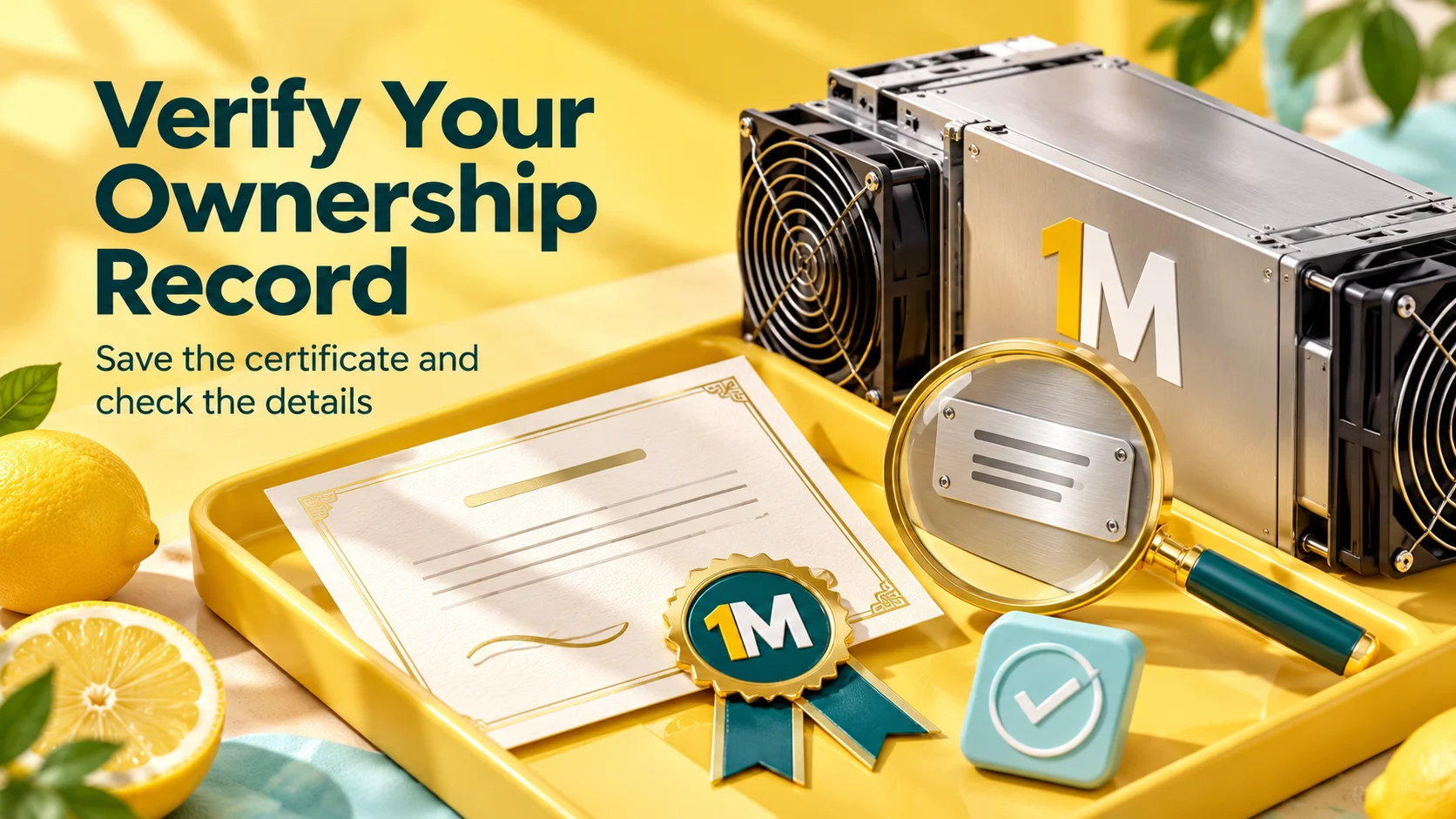
Every miner comes with a digital Certificate of Authenticity, described in the platform update as an ownership and warranty certificate sent by email, with a public page where anyone can verify it. A Medium explainer (August 3, 2026) shows an example listing the hosting location, the hosting rate locked at purchase, badges for the seven-year warranty and 95%+ uptime guarantee, a unique certificate number, a serial number and a QR code linking to the verification page.
Why it matters: it gives you a checkable record tying your name to a specific machine and its terms, which can help with warranty questions, accounting and resale. Tips from the guide: check that the verification page loads and matches your certificate, and save a copy somewhere other than your email.
Keep expectations realistic. OneMiners issues the certificate and hosts the verification page, so it isn’t an independent registry, and it doesn’t certify a machine’s condition or performance. It’s a useful record, not a substitute for choosing good hardware and a reliable provider.
5. A Mobile App That Keeps Getting Better
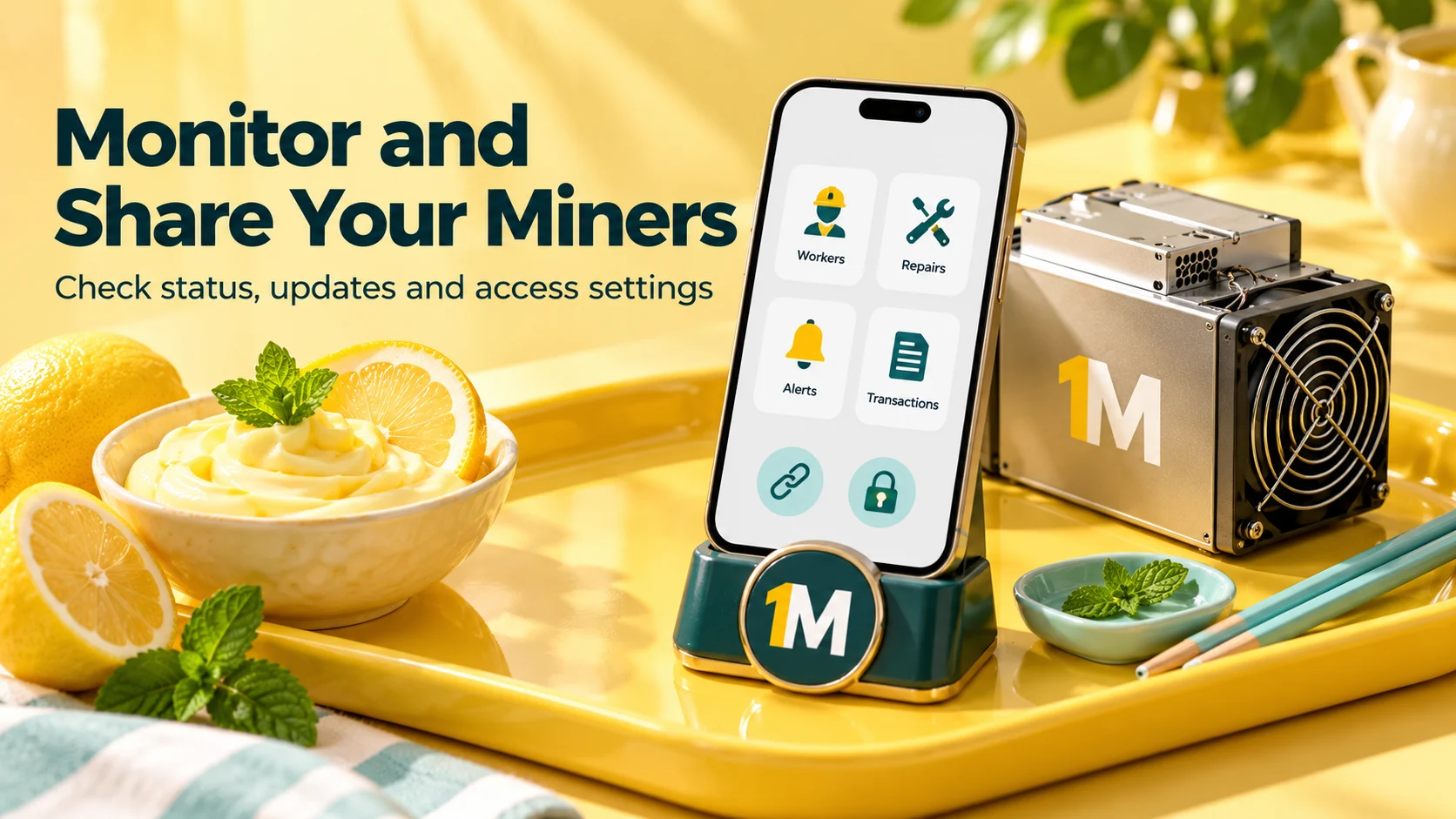
For hosted mining, the app is your window into a machine you can’t touch. OneMiners’ July 2026 app update (July 29) lists changes including:
- Push notifications for miner restarts, payouts and order progress (optional; in-app alerts still work if you decline).
- A Repairs screen listing each repair with its status, reason, timeline and miner.
- A unified Notifications bell with unread badges, and a News & Updates section.
- A reorganized Transactions screen with tabs for payouts, order payments, exchanges, miner rewards and deposits, each with status badges.
- Energy & Fees top-up options: existing balance, supported coins via Changelly Pay, BTC or LTC through BTCPay, or a Xero invoice.
- A marketplace that sorts miners by estimated daily profit by default, with an info icon explaining it’s an estimate.
- A simpler checkout that says “Complete Order” and no longer sends you to the web.
The profit figures are estimates, not guarantees, and the update points readers to independent calculators for double-checking.
6. Order Status Emails
The platform update says customers get emails at three milestones: payment received, processing (with separate versions for hosting and shipping orders) and installation. The installation email points you to the Workers page. For a first-time buyer, this answers the “what’s happening with my order?” question, which is the most common friction point in customer feedback.
7. Share Miners
A less obvious but handy feature: you can create read-only shareable views of your whole fleet or a single miner, with a custom link name, an expiry period and an optional password. The stated purpose is to let an accountant, partner or investor see performance without access to your account.
8. Referral Commissions and Order-Value Discounts
Two money-saving features appear in the same update:
- Referral dashboard. You can create a personal referral code and shareable link, then track clicks, coupon use, purchases, conversion rate and commissions.
- Order-value discounts. Tiered discounts apply automatically at checkout based on cart subtotal. The system compares them with any voucher you hold and applies whichever saves more.
The post doesn’t publish commission rates or discount thresholds, so check the checkout and referral pages for the actual numbers.
9. One Place to Buy and Host
Outside write-ups highlight convenience. Infoohub’s top 5 hosting companies for beginners (September 2026) notes that you can buy a miner and a hosting slot in one checkout, track operations in an app, use Buy Now, Pay Later with 25% down, and read a plain-language guide for new customers. TechBullion’s price comparison (August 26, 2026) similarly points to OneMiners’ lower electricity rate, single-unit minimum and bundled pricing against five other providers.
How Much Weight Should the Comparisons Get?
A fair look is useful. Neither article carries a sponsorship label, but both link heavily to OneMiners, and neither explains its method. Infoohub doesn’t say how its five companies were ordered. TechBullion gives competitor rates, fees and contract lengths without sources or dates, and its table compares OneMiners’ lowest site rate with competitors’ typical rates. It also lists a three-month minimum contract and a one-unit minimum order for OneMiners, which the company’s public documents don’t clearly state elsewhere.
That doesn’t make the comparisons wrong. It means you should do your own: get written quotes from two or three providers, ask for the all-in monthly cost, and compare like with like.
What to Verify Before You Buy
Features are only as good as their fine print. Before committing:
- All-in rate and location, in writing, with contract length and what the rate includes.
- Prepaid Energy terms: the discount for your term, what happens if you sell or move the machine, and refund rules.
- Pay Later terms: down payment, due dates, fine calculation (flat or compounding), and whether discount codes apply.
- Warranty and uptime commitments, including how claims are handled and what compensation applies.
- Certificate details: when you’ll receive it and how verification works.
- Refund and return policy for your order type.
- Minimum order and contract length, if they matter to you.
Frequently Asked Questions
What are the best OneMiners features? Low published hosting rates, Prepaid Energy, four-installment Pay Later, the Certificate of Authenticity, and a mobile app with repair, transaction and notification tools.
How does OneMiners Pay Later work? Four installments over four months, with a 5-day grace period and a fine of 0.2% per day after that, according to one customer-facing guide. Confirm the details at checkout.
What is the Certificate of Authenticity? A digital ownership and warranty record for your machine, emailed to you, with a public verification page.
Is Prepaid Energy worth it? It can lower your rate, but it requires a large upfront payment and fits best if you’ll run one machine at one site for the whole term.
Can I share my miner stats with someone? Yes. Share Miners creates read-only links with optional passwords and expiry.
The Bottom Line
OneMiners’ best features line up with real pain points in hosted mining: lowering the electricity bill, spreading out the purchase, proving what you own, and keeping an eye on a machine you can’t see. The platform update, the app update and the customer-facing guides show a company investing in visibility and convenience. As always, features are a starting point. Confirm every term in writing, start with one machine, and run your own numbers with live data.
Sources and Further Reading
- What’s New in the OneMiners App: July 2026 Update — OneMiners
- OneMiners Just Changed Bitcoin Mining Forever: Platform Update — OneMiners
- Pay Later Installments: How OneMiners’ 4-Month Financing Plan Actually Works — Medium
- Prepaid Energy: How to Lock In a Discounted Power Rate Before You Ever Plug In — Medium
- Certificate of Authenticity: What Proof of Ownership Actually Looks Like in Crypto Mining in 2026 — Medium
- OneMiners vs. the Top Bitcoin Mining Hosting Providers: A Detailed Price Comparison — TechBullion
- Top 5 Crypto Mining Hosting Companies for Beginners in 2026 — Infoohub
#OneMiners #BitcoinMining #HostedMining #PayLater #PrepaidEnergy #CertificateOfAuthenticity #CryptoMining #MiningApp