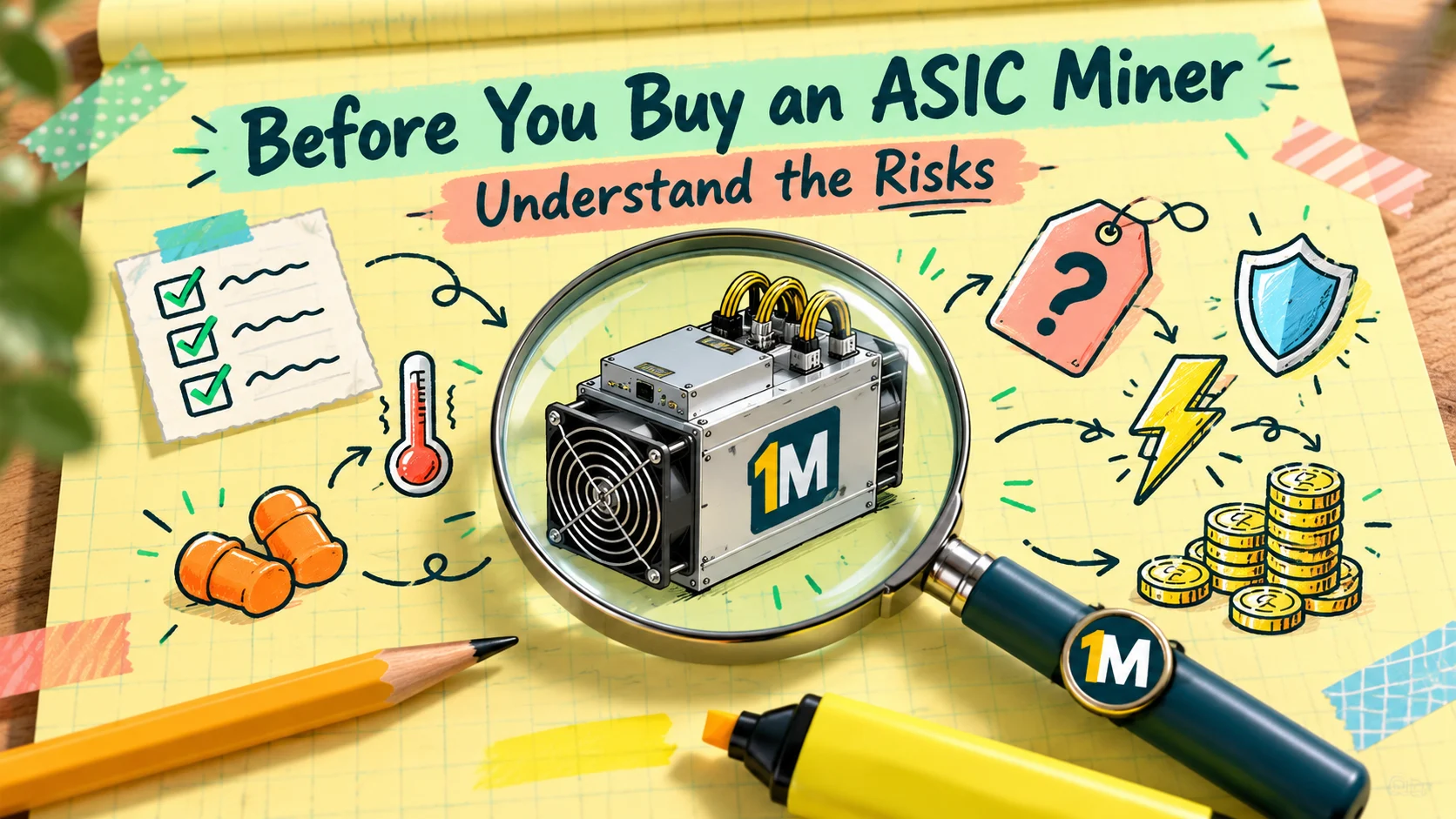
Most articles about ASIC miners tell you why to buy one. This one is for the other side of the decision: what can go wrong, what it costs when it does, and how to protect yourself.
None of this means you shouldn’t mine. It means you should walk in with your eyes open. Below are nine downsides, each with the numbers or evidence behind it and a practical way to reduce the risk. This is general information, not financial advice. Mining involves real risk, including the loss of your purchase price.
1. Electricity Is the Real Price Tag
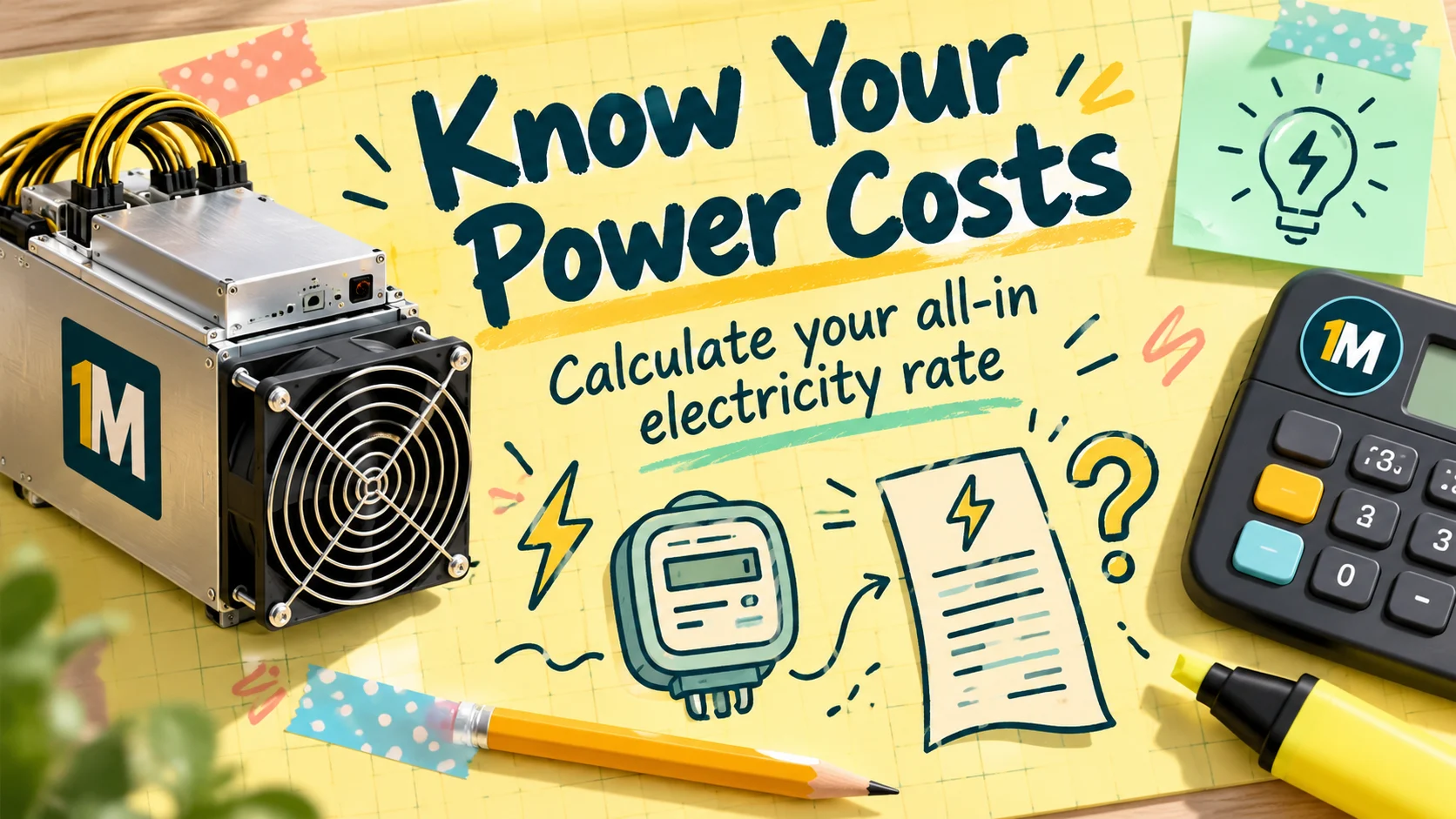
The sticker price is a one-time cost. Electricity is forever. OneMiners’ post on common crypto mining mistakes (July 2, 2026) puts power at 75 to 85% of operating cost, and gives a simple example: a 3,500 W machine uses about 84 kWh a day. At a $0.17 per kWh residential rate that’s roughly $14.28 a day, or about $5,200 a year. At $0.0455 per kWh it’s about $3.82 a day, or about $1,400 a year, a gap of roughly $3,800 per machine per year.
How to reduce the risk: know your all-in rate before you buy, calculate your break-even (hashprice ÷ (24 × J/TH)), and compare it to what you’ll actually pay.
2. Profit Is Never Guaranteed
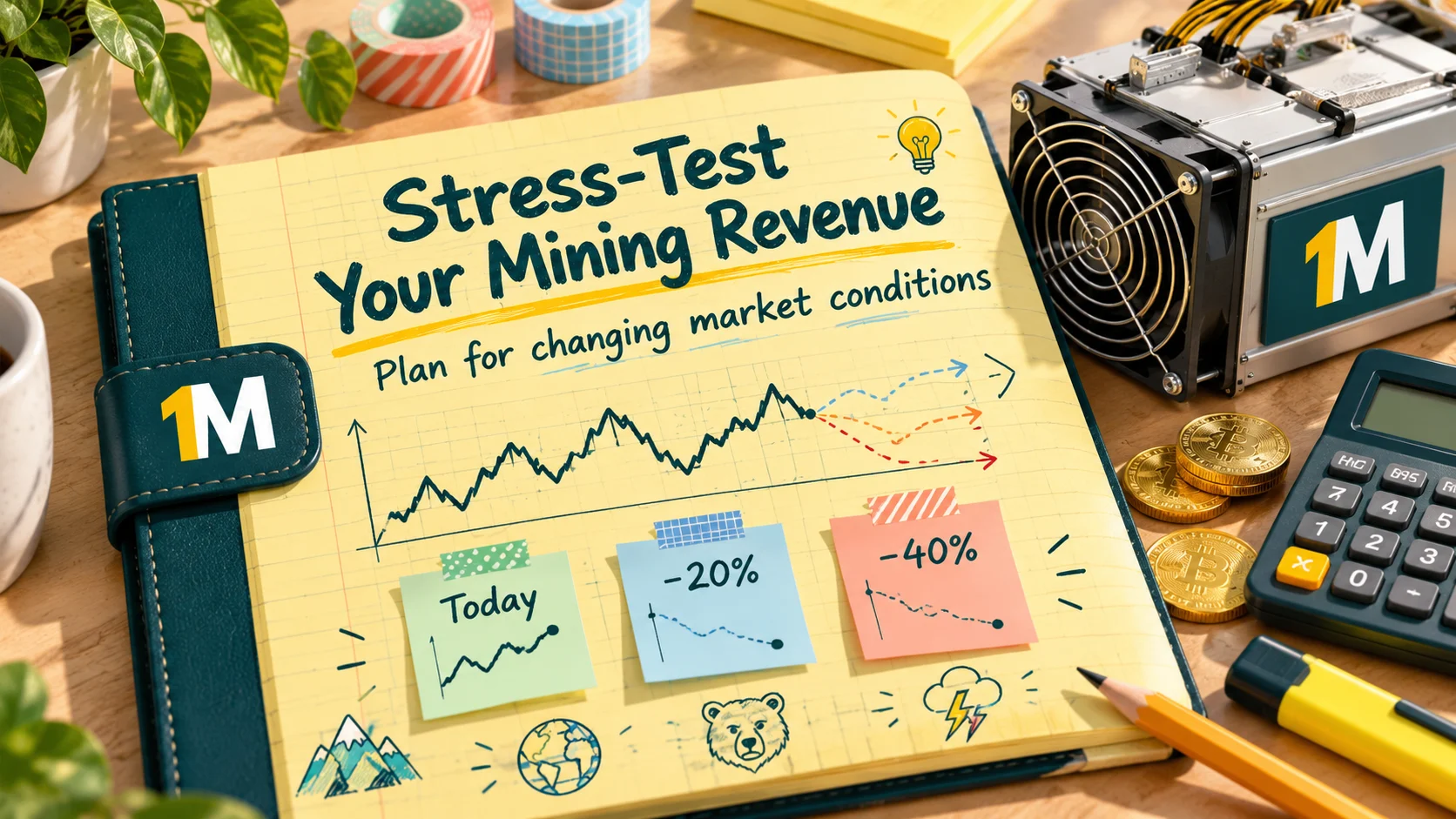
Your revenue depends on Bitcoin’s price, network difficulty and block rewards, none of which you control. Hashprice, the daily earnings per petahash, was reported at roughly $29 to $31 in mid-August 2026 (per a Medium analysis of that week’s data) and averaged about $39 in September (per Luxor’s Hashrate Index), a move of about a third in weeks. A machine that looks comfortable at one hashprice can be marginal at another.
The April 2028 halving will cut the block subsidy again, and the AI boom is competing for cheap power. OneMiners’ mistakes post argues the AI and HPC pivot could pressure older hardware’s resale value and raise competition for power. It’s the company’s view, but it’s a reasonable risk to keep in mind.
How to reduce the risk: stress-test your numbers at 20% and 40% lower hashprice, and only spend money you can afford to lose.
3. Hardware Gets Old Fast (Obsolescence)
ASICs are single-purpose machines, and each generation makes the last one less competitive. A Braiins purchasing guide notes that the Antminer S19J Pro sold for over $12,000 at the November 2021 peak and for about $600 by summer 2024, a drop of roughly 95%. (It’s an older data point, but the lesson is lasting.)
Efficiency matters here. OneMiners’ post suggests that machines at 13 J/TH or better are the ones worth buying, and that 19 J/TH and up should generally be avoided. Whatever thresholds you use, an old, cheap machine is often cheap for a reason. The 2026 Bitcoin Mining Hardware Buyer’s Guide (June 2026) makes a related point: ask “what’s the best miner for me?” and put efficiency ahead of raw hashrate. Note that the guide doesn’t publish efficiency numbers and every miner it lists is sold through OneMiners, so use it as a thinking framework, not an independent ranking.
How to reduce the risk: calculate J/TH yourself (watts ÷ TH/s), compare price per terahash, and have an exit plan for resale.
4. Home Mining Is Loud, Hot and Power-Hungry
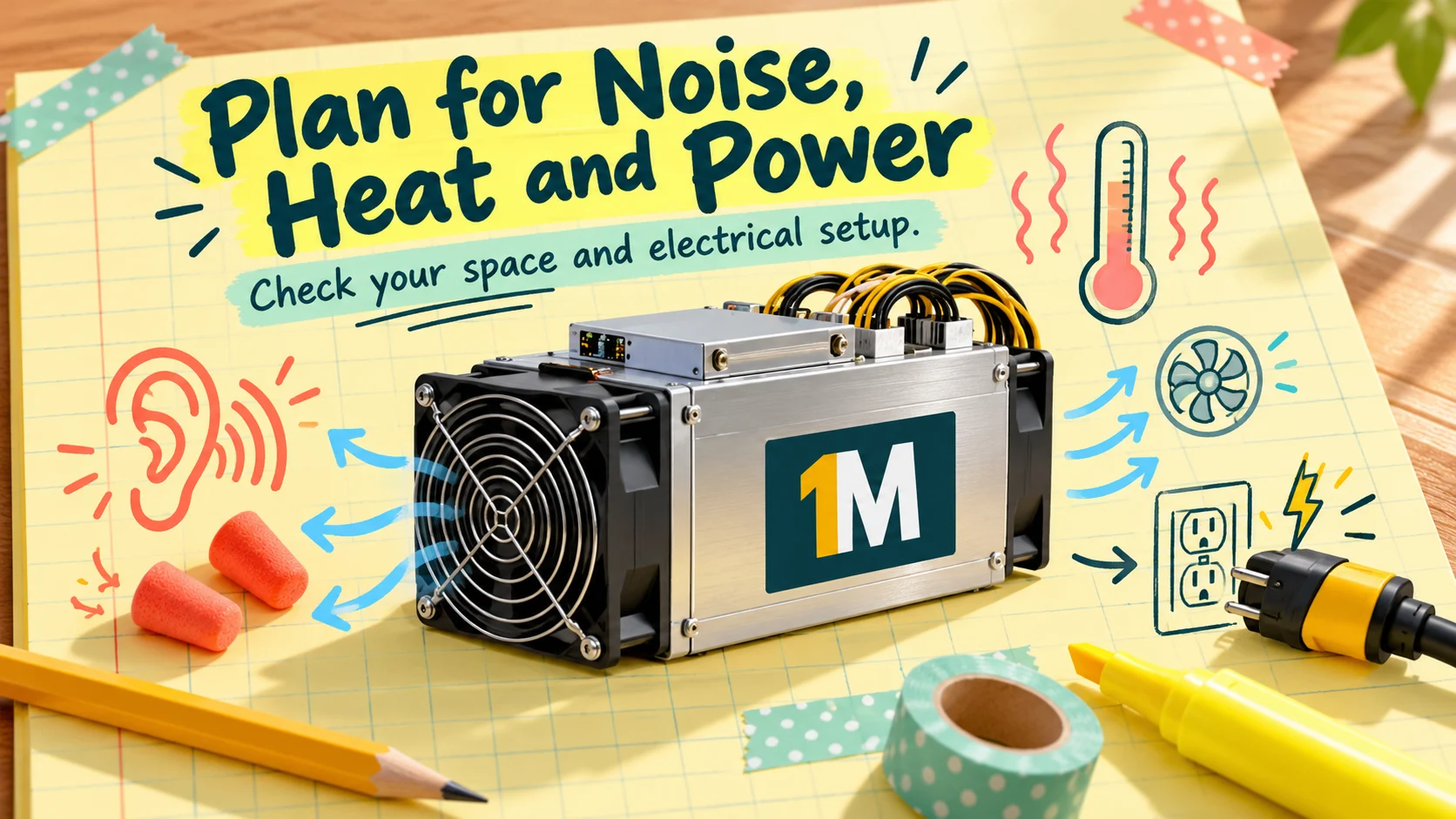
If you’re picturing a quiet box in the corner, think again. Braiins’ beginner’s guide to mining Bitcoin says a single unit can produce 70 to 80 dB, some reaching 90 dB, comparable to a lawn mower indoors. Most modern ASICs need a 220V outlet, and many homes only have 110V, so you may need a licensed electrician (the guide warns against DIY wiring and says a simple converter won’t work). Nearly all the electricity becomes heat, so ventilation matters, and the guide calls home mining “not as simple as plug and play.”
Heat is a risk in its own right. Braiins’ hot-weather guide (June 2025) says hot conditions bring more thermal shutdowns, lower uptime, reduced efficiency and shorter hardware life, and that worn power connectors can overheat and create fire risk. It also notes heat waves can coincide with electricity price spikes. Its prep list includes cleaning dust, replacing weak fans, reapplying thermal paste, improving airflow, inspecting connectors, and underclocking at peak heat. (It’s a Braiins article, so tuning recommendations lean toward its own software, but the physical advice applies to anyone.)
How to reduce the risk: only mine at home if you have the electrical capacity, space, ventilation and tolerance for noise. Otherwise, consider hosting, where the facility handles power and cooling.
5. Scams and Counterfeit Listings
The ASIC market has plenty of honest sellers and plenty of traps. Braiins notes that used machines are often traded through Telegram and chat groups, which carry fraud risk, and it advises buying only from verified sellers.
OneMiners’ guide to buying ASIC miners safely (August 28, 2026) gives a handy red-flag list:
- A price far below other sellers, with urgency attached
- No mention of warranty, or a warranty with no length
- No production batch date
- Payment only by irreversible transfer to a personal account
- A model name with no wattage listed
- Support only through a messaging-app account
- “Last few units” pressure
It also recommends paying by a reversible method such as a card or escrow, checking the total landed cost, and testing hash rate and power draw in the first days while you can still raise a dispute. (It’s a seller’s checklist, so it points toward its own warranty, but the checks themselves are sound.)
How to reduce the risk: buy only from sellers with verifiable identities and published specs, pay in a way you can dispute, and keep records.
6. Hidden Costs and Weak Warranties
The price on the listing isn’t always the price you pay. Braiins reminds buyers to include shipping, import fees, duties and taxes. OneMiners’ safe-buying guide adds power supplies and hosting setup fees.
Warranty is the other trap. OneMiners’ guide shows typical coverage by channel as roughly 0 for a private second-hand sale, about three months from grey-market resellers, about six months from a typical online store, one year from standard manufacturer cover, and two years from extended reseller cover, against a claimed seven years for its hosted hardware. Those ranges are unsourced and come from a seller, so treat them as rough. The useful part is the three questions it recommends: how many years, who actually honors it and can they repair the machine, and does the warranty stay valid if the machine is hosted or tuned. It also flags “new in box, out of warranty,” meaning an unused unit whose warranty has already expired. Braiins adds that tampering with firmware, swapping a control board or improper immersion can void a warranty.
How to reduce the risk: read the warranty terms before paying, and get the answers to those three questions in writing.
7. Downtime Quietly Eats Your Profit
A miner that’s offline earns nothing but still costs you money. OneMiners’ mistakes post estimates that going from 90% to 99% uptime cuts lost revenue from about 36 days a year to under 4. Even a 98% uptime commitment allows about 175 hours (nearly a week) of downtime a year.
To put that in dollars: a machine netting about $16 a day would lose around $600 a year at 90% uptime, and around $60 at 99%. Common causes include breakers, overheating, internet outages and unnoticed firmware crashes.
How to reduce the risk: monitor your machine, ask for a written uptime commitment (and what compensation applies), and include downtime in your break-even.
8. Solo Mining Is a Lottery
If you’re picturing finding a block on your own, the odds are tough. Braiins notes that the network produces about 144 blocks a day, so a small miner almost never finds one alone. Pools combine hashrate for smaller, steadier payouts. OneMiners’ mistakes post makes the same point and says its hosted miners come preconfigured for established pools. Solo “lottery” mining with a tiny machine can be fun, but it isn’t a business plan.
How to reduce the risk: use a reputable pool with transparent fees and payouts. Ask any host whether you can choose your own pool and wallet.
9. Security Mistakes Cost Real Money
Buying a miner means handling Bitcoin, and mistakes there are permanent. The mistakes post lists password reuse, SMS-only two-factor authentication, leaving balances on exchanges and insecure seed-phrase storage. Its advice is to use app-based or hardware-key 2FA, withdraw to a hardware wallet regularly, keep seed phrases offline, and bookmark login addresses to avoid phishing.
How to reduce the risk: treat your wallet and accounts as seriously as your hardware.
Does Hosting Remove These Risks?
Hosting solves some of them and creates others. A professional facility can handle power, cooling, monitoring and repairs, which addresses the noise, heat and electrical problems in #4 and much of #7. It doesn’t change the economics in #1 and #2, and it adds questions of its own:
- Contract terms: length, minimums, what happens if you want to leave.
- Prepaid energy and lock-ins: discounts can be real, but they tie up capital.
- Uptime and compensation: is the SLA written down, and how is it measured?
- Counterparty risk: how long has the provider operated, and how transparent is it?
- Site changes: what happens to your machine if a facility is repurposed?
OneMiners markets fixed seven-year energy rates, a 95%+ uptime SLA, a seven-year warranty and 0% fees. Those are company claims, so confirm each one in your own written agreement.
A Quick Risk Summary
| Downside | How big is it? | Main way to reduce it |
|---|---|---|
| High electricity cost | Often the largest | Low, fixed all-in rate; efficient machine |
| Volatile profit | Always present | Stress-test at lower hashprice |
| Obsolescence | High for older machines | Buy efficiency; plan resale |
| Noise, heat, power at home | High at home | Hosting, or proper setup |
| Scams and counterfeit | Real, avoidable | Verified sellers; reversible payment |
| Hidden costs and weak warranty | Common | Landed-cost check; warranty questions |
| Downtime | Moderate to high | Monitoring; written SLA |
| Solo mining odds | Very low | Use a reputable pool |
| Security mistakes | Permanent | 2FA, hardware wallet, offline seed |
Before You Buy: A Short Checklist
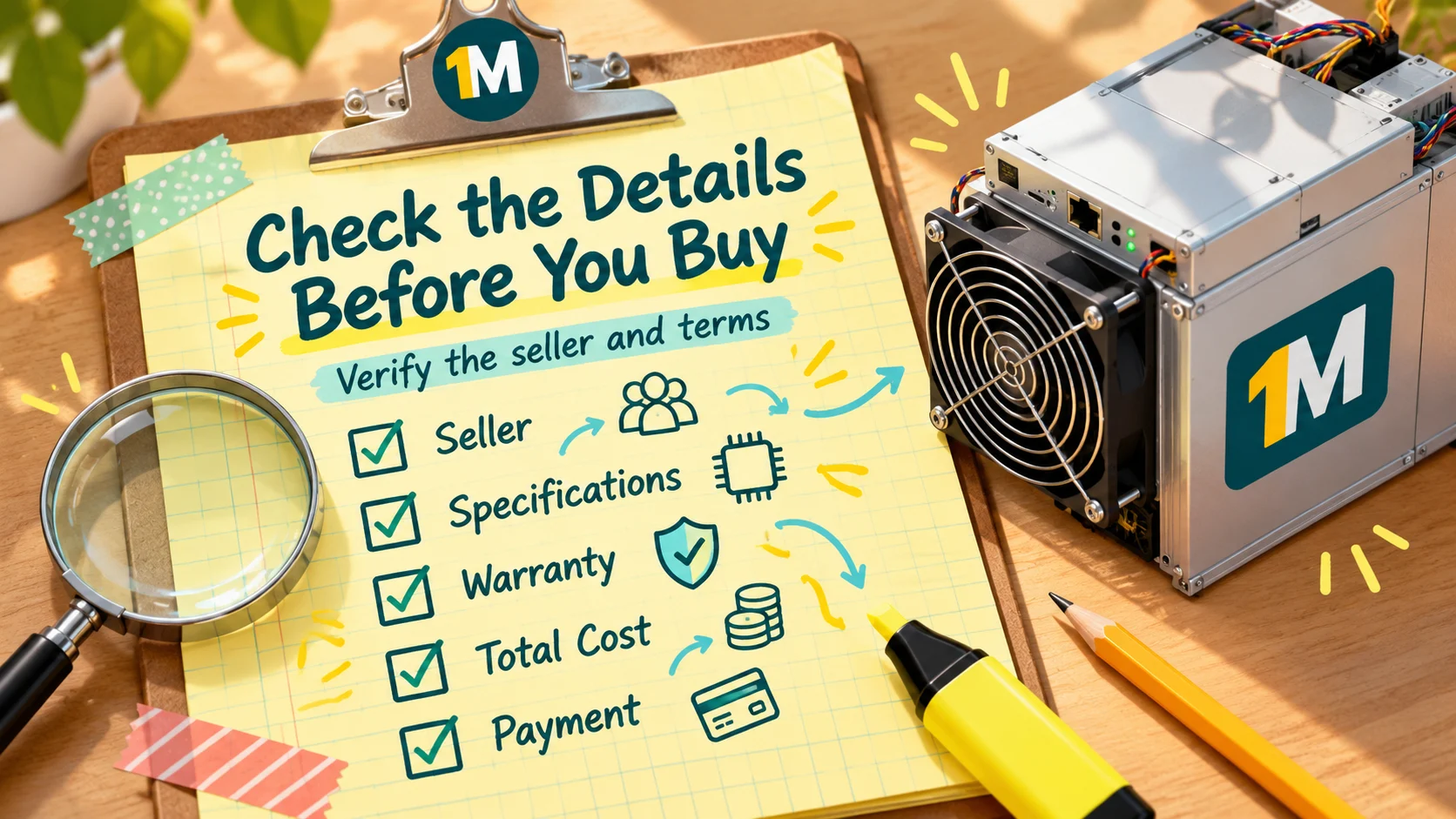
- Know your all-in power rate and compute your break-even.
- Run payback at today’s hashprice and 20% and 40% lower.
- Compare J/TH and price per TH, not just price.
- Get specs, batch date and warranty terms in writing.
- Check total landed cost (shipping, duties, power supply, setup fees).
- Pay by a reversible method from a verifiable seller.
- Test the machine in the first days and keep records.
- Decide home or hosting honestly.
- Start with one machine.
Frequently Asked Questions
Is buying an ASIC miner a bad idea? Not necessarily. It’s a risky, capital-intensive business. It can work with low power costs, efficient hardware and realistic expectations, and it can lose money otherwise.
What’s the biggest downside of ASIC mining? Usually electricity cost, followed by price and difficulty volatility.
Can I run an ASIC miner at home? You can, but expect noise of 70 to 90 dB, high heat output, and likely a 220V circuit. Residential electricity rates also tend to erase the margin.
How do I avoid ASIC scams? Buy from verified sellers with published specs and warranty terms, pay by a reversible method, and be wary of prices far below market and urgent pressure.
Does hosting remove the risks? It removes some (noise, heat, power setup) but not market risk, and it adds contract and counterparty questions.
The Bottom Line
ASIC mining rewards preparation and punishes wishful thinking. The biggest downsides are electricity, volatility and obsolescence, with scams, hidden costs, weak warranties and downtime close behind. Most can be reduced by doing the math with live numbers, verifying the seller, reading the warranty and being honest about whether your home can handle the machine. Start small, keep records, and never invest more than you can afford to lose.
Sources and Further Reading
- Common Crypto Mining Mistakes That Cost Miners Thousands — OneMiners
- The 2026 Bitcoin Mining Hardware Buyer’s Guide — Medium
- How to Mine Bitcoin: Beginner’s Guide — Braiins
- Where to Buy ASIC Miners Safely in 2026 — OneMiners
- How to Prepare Bitcoin Miners for Hot Weather — Braiins
- Purchasing ASIC Mining Hardware — Braiins
#ASICMiner #BitcoinMining #MiningRisks #CryptoMining #HostedMining #OneMiners #BitcoinForBeginners #CryptoSafety